Client Portal
See your project's commissioning progress as it happens: which units are tested, how they measured against design, and exactly what is holding the job up.
The Job, Not Just the Report
A balancing report tells you how the job ended. The portal tells you where it is today, so problems get fixed while we are still on site.
Progress, unit by unit
Every VAV, fan coil, valve and stair door on the job is listed as we test it. You see how many are done, how many are balanced, and what still needs attention, without waiting for the final report.
Design versus measured
Each unit shows its design value next to what we measured and the percentage of design achieved. The numbers come from the same engine that prints the report, so the portal never disagrees with the PDF.
Site notes, as written
When a technician cannot test a unit or cannot bring it to design, they write down why on site. That note reaches you the same day, in their words, so your team can act on it straight away.
A printable site issues list
One page that lists what stopped us, what needs fixing before a retest, and notes on units that passed. Print it, hand it to the subtrade, and mark each item fixed in the portal so we can book the retest.
Three Steps to Live Progress
We set up access
Tell us which project managers should see the project. Access is tied to your company, so your people only ever see your jobs.
Sign in with an emailed link
There is no password to remember. Enter your work email, open the link we send, and you are in. Links expire in minutes and work once.
Follow the job as it happens
Results are published to the portal as testing progresses and again when the report is issued, so what you see is always the current state of the job.
Built for Confidentiality
Your project data is only ever visible to the people you nominate, and only for your company's projects. Nobody outside ENGIC and your team can see it, and there is no shared login to pass around: every sign-in link is personal, short-lived and single use. Access can be switched off per project or per person at any time.
The portal is a window onto the same results that go into your report. It does not replace the issued PDF, which remains the document of record for handover.
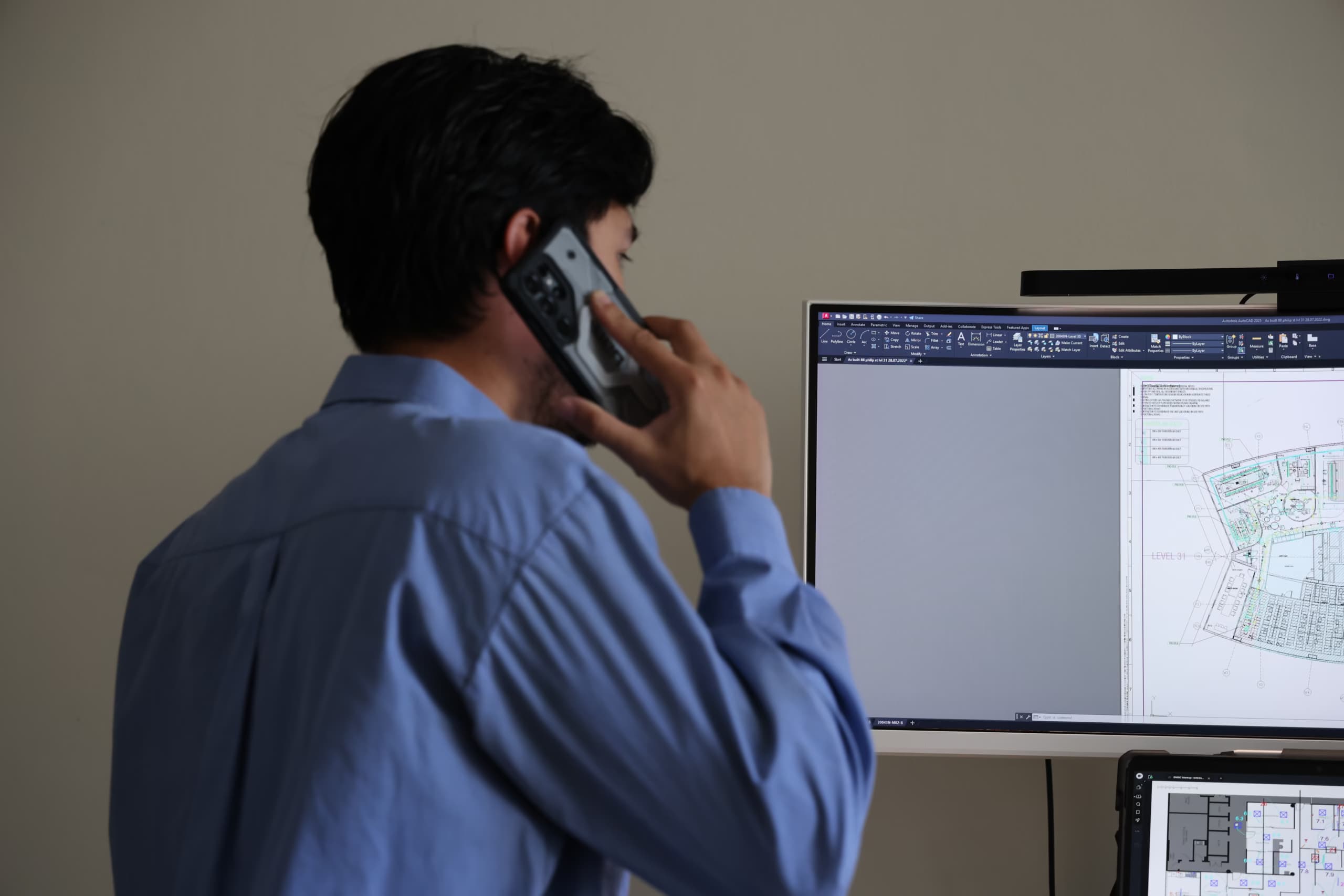
Want Live Progress on Your Next Project?
Ask for portal access when you book ENGIC, or contact us about a project already under way.
TAB reports within 24 hours - every project
Request a Quoteor call +61 493 987 289 / email info@engic.com.au